
Skill Assessment Calculator
Find Your Best Skill Path
Based on your interests and available time, we'll recommend which skill from the article you should focus on to get hired in 3 months.
If you’re looking to go from zero to hired in just three months, you’re not alone. Thousands of people every year do exactly this - no degree, no years of experience, just focused learning and real practice. The secret? Pick the right skill, stick to a solid plan, and build something real before the clock runs out. You don’t need to become an expert. You just need to be good enough to prove you can do the job.
What employers actually want in 2026
Forget the old idea that you need a four-year degree to land a good job. Today, employers care more about what you can do than where you went to school. A 2025 LinkedIn report found that over 60% of hiring managers in tech, customer service, and trades now prioritize skills over formal education. That means if you can show you’ve built something, solved a real problem, or handled real tasks - even if it’s on a small scale - you’re already ahead of most applicants.
Here’s what’s in demand right now:
- Basic web development (HTML, CSS, JavaScript)
- Customer support with chat tools (Zendesk, Intercom)
- Data entry and spreadsheet automation (Excel, Google Sheets, Airtable)
- Entry-level digital marketing (Facebook/Instagram ads, email lists)
- Remote administrative support (scheduling, document management)
- Basic graphic design (Canva, Figma)
These aren’t flashy roles. But they’re everywhere. Small businesses, startups, and even large companies are hiring for these positions because they need someone who can jump in and start helping - fast.
Best skills to learn in 90 days
Not all skills are created equal when you’re racing against time. Some take years to master. Others? You can get hired after 60 hours of focused practice. Here are the top five skills you can learn in three months - and how to do it.
1. Web Development (Frontend)
You don’t need to build the next Instagram. You just need to build one clean, working website. Start with HTML to structure content, CSS to make it look nice, and JavaScript to add buttons that work or forms that submit. Use free tools like freeCodeCamp or The Odin Project. Spend 1 hour a day, 5 days a week. By week 6, build a personal portfolio site. By week 10, make a small business landing page for a local shop - even if it’s fake. Then, put it online for free on GitHub Pages.
Why this works: Companies hire junior frontend developers to update websites, fix broken buttons, or tweak layouts. You don’t need to know React or Node.js yet. Just show you can make a site that loads fast and looks professional.
2. Customer Support (Remote)
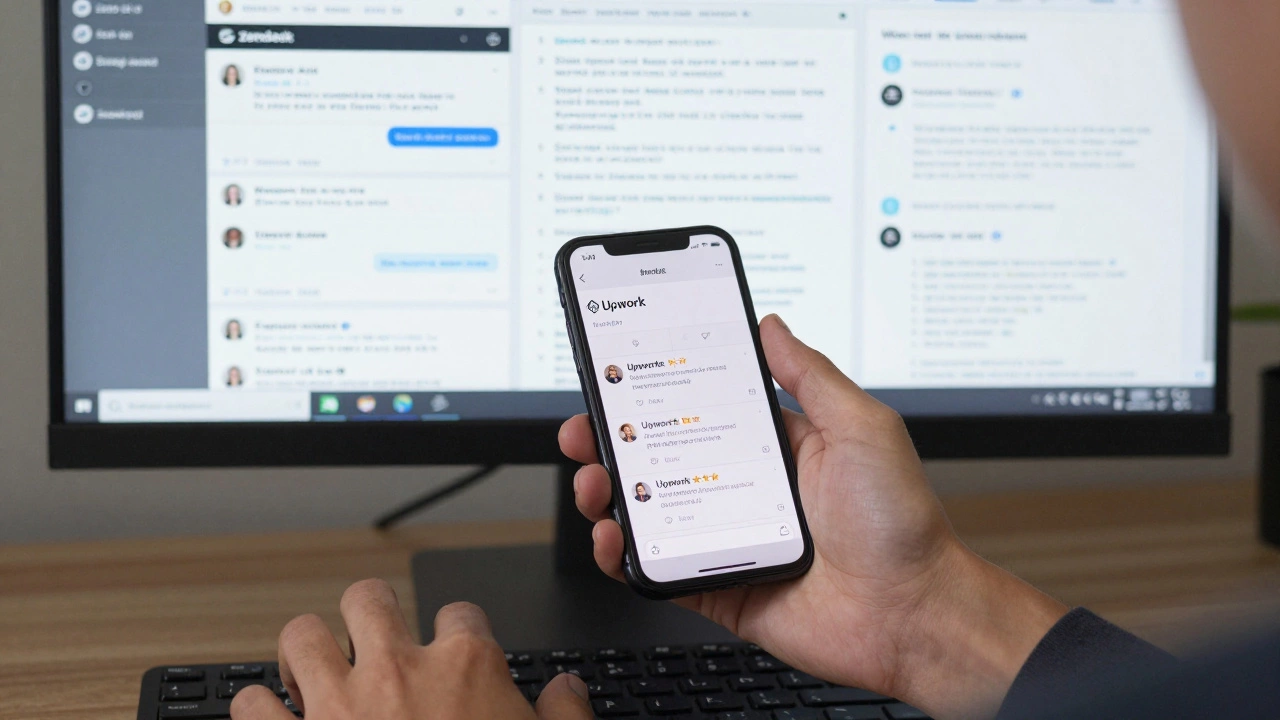
Most customer support jobs now happen online. You’ll answer emails, live chats, or tickets. Learn how to use platforms like Zendesk or Freshdesk (both have free training). Practice writing clear, polite, and quick responses. Record yourself typing replies to common questions like “How do I reset my password?” or “My order hasn’t arrived.”
Do this: Create a mock support inbox. Write 10 sample responses. Then, apply for remote customer support gigs on Upwork or Fiverr. Start with $5 jobs. Get your first 3 reviews. That’s your proof.
Why this works: Businesses need people who can communicate well, stay calm under pressure, and solve simple problems fast. If you can do that, you’re hired.
3. Data Organization with Spreadsheets
Excel and Google Sheets are still the backbone of 80% of small businesses. Learn how to use VLOOKUP, pivot tables, and conditional formatting. Watch YouTube tutorials from ExcelJet or Leila Gharani. Practice by cleaning up messy data - like a grocery list with duplicate entries or a list of names with mixed capitalization.
Do this: Find a public dataset (like New Zealand’s public transport stats) and turn it into a clean, visual report. Then, share it as a PDF. Label it “Data Analysis Project.” That’s your portfolio piece.
Why this works: Every company has messy data. Someone has to clean it. If you can do that in half the time, you’re invaluable.
4. Digital Marketing (Social Media Ads)
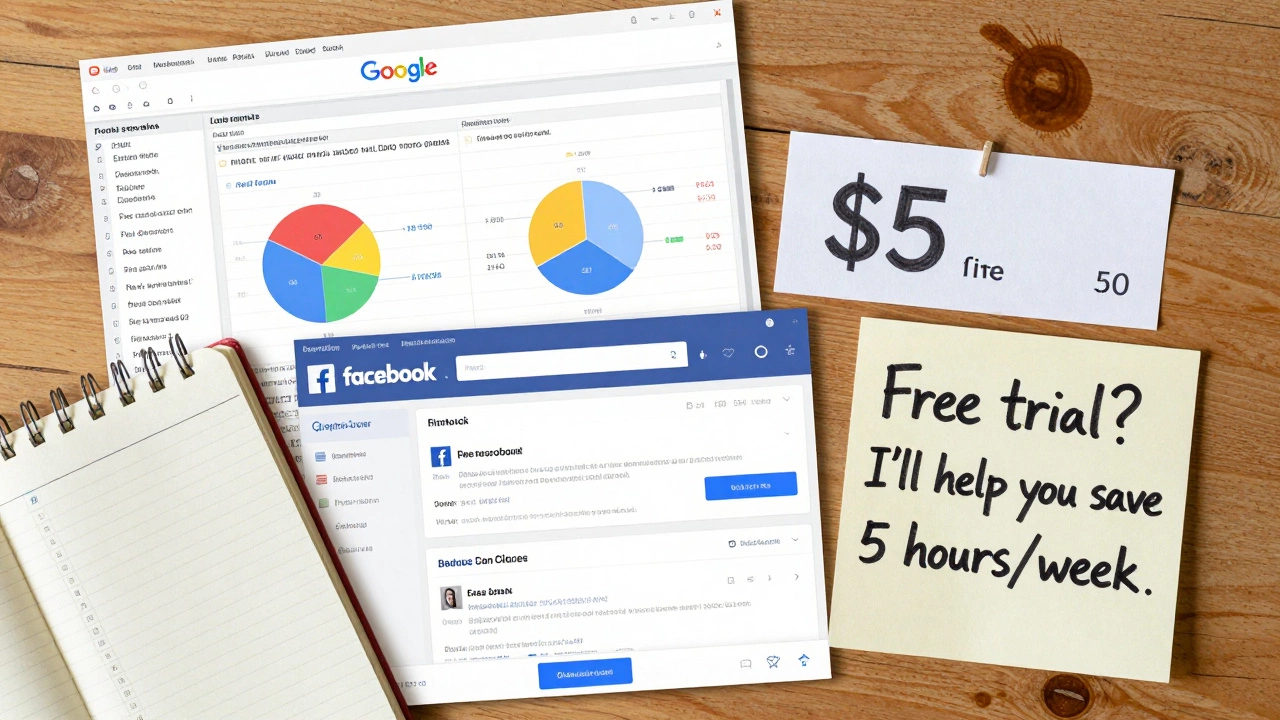
You don’t need to be a marketing genius. You just need to know how to set up a $5 ad on Facebook or Instagram. Learn how to target audiences by location, age, and interests. Learn how to write ad copy that doesn’t sound like spam.
Use Meta’s free Blueprint courses. Create a fake product - say, a handmade candle or a local walking tour. Set up a $5 ad campaign. Track clicks. Write down what worked and what didn’t. Save screenshots. That’s your case study.
Why this works: Small businesses don’t have marketing teams. They need someone who can run ads without wasting money. If you can show you got 50 clicks for $5, you’ve done more than most “experts.”
5. Remote Administrative Support
This is the quiet hero job. It includes scheduling meetings, organizing files, managing calendars, and sending follow-up emails. Learn how to use Google Calendar, Notion, and Dropbox. Practice by volunteering to help a local nonprofit organize their events. Offer to do it for free for two weeks. Then, ask if you can use it as a reference.
Why this works: Everyone needs help staying organized. If you can keep a busy person’s schedule running smoothly, you’re worth your weight in gold.
How to structure your 3 months
Don’t just “learn.” Build a system.
- Weeks 1-2: Choose one skill - not two, not three. Pick the one that excites you most and has real job openings nearby.
- Weeks 3-6: Learn the basics - Use free resources. Spend 1 hour a day. Focus on doing, not watching.
- Weeks 7-10: Build a project - Make something real. A website. A spreadsheet report. A mock ad campaign. Put it online.
- Weeks 11-12: Get feedback - Share it with someone. Ask: “Would you hire me for this?”
- Weeks 13-14: Apply - Start applying to entry-level jobs. Don’t wait until you feel “ready.” Apply anyway.
- Weeks 15-16: Interview - Practice answering: “What have you built?” and “How did you learn this?”
That’s it. No fluff. No theory. Just action.
Where to find jobs after 3 months
Don’t waste time on LinkedIn if you’re just starting. Here’s where real entry-level jobs are posted:
- Upwork and Fiverr - Look for “entry-level” or “beginner” gigs. Do 2-3 small jobs. Get reviews.
- Facebook Groups - Search “Remote Jobs New Zealand” or “Auckland Entry Level Jobs.” Many small businesses post here.
- Seek.co.nz - Filter for “Trainee,” “Junior,” or “No Experience Needed.”
- Local businesses - Walk into small shops, cafes, or clinics. Ask: “Do you need help with your website or social media?”
One person in Auckland got hired as a virtual assistant after sending a simple email to 10 local businesses: “Hi, I just learned how to manage calendars and emails using Google Workspace. I can help you save 5 hours a week. Free trial this week?” Three said yes. One hired her.
What not to do
Here are the three biggest mistakes people make:
- Learning too many things - Trying to learn coding, design, and marketing at once? You’ll end up knowing nothing well.
- Waiting for perfection - You don’t need a fancy website. You need one that works. A messy portfolio is better than no portfolio.
- Not showing your work - Saying “I learned HTML” means nothing. Showing a live website? That’s proof.
Real examples from real people
Emma, 22, from Tauranga, spent 3 months learning Google Sheets. She cleaned up a local charity’s donor list. Then she made a simple report with charts. She emailed the charity: “I fixed your data. Here’s how I did it.” They hired her part-time. She now works 15 hours a week and earns $25/hour.
James, 30, from Dunedin, learned basic web design. He built a site for a friend’s woodworking business. The owner posted it on Facebook. A local real estate agent saw it and asked if he could build one for her. James got his first client. Now he charges $300 per site.
You don’t need to be the best. You just need to be the one who took action.
What comes after 3 months
Once you land your first job, you’re no longer a beginner. You’re someone with experience. From there, you can:
- Move into higher-paying roles
- Take on more responsibility
- Learn the next skill while working
Many people who start with basic web design end up in full-stack roles. Those who begin in customer support become team leads. It’s not magic. It’s momentum.
Can I really get a job in 3 months with no experience?
Yes - if you focus on one skill, build something real, and show proof. Employers aren’t looking for perfect candidates. They’re looking for people who can solve problems now. A website you built, a spreadsheet you cleaned, or an ad campaign you ran is better than a resume full of buzzwords.
What if I don’t have a computer or internet at home?
Most public libraries in New Zealand offer free computer access and Wi-Fi. Auckland Libraries, for example, has free tech workshops and loaner laptops. Community centers in Wellington, Christchurch, and Hamilton also offer free training sessions. You don’t need a fancy setup - just consistent access.
Are these skills only for tech jobs?
No. Skills like data organization, customer support, and remote admin work are needed in healthcare, retail, nonprofits, and trades. A plumber might need someone to manage their bookings. A florist might need help running Facebook ads. These skills fit everywhere.
Do I need to pay for courses?
No. All the skills mentioned can be learned for free. Use freeCodeCamp, YouTube, Meta Blueprint, Google Skillshop, and LinkedIn Learning’s free trial. Paying for courses only helps if you’re stuck - otherwise, free resources are just as good.
What if I fail in 3 months?
You won’t fail - you’ll learn. Even if you don’t get hired, you’ll have a project you can show. You’ll know what you’re good at. You’ll know what to try next. That’s not failure - that’s progress. The people who succeed aren’t the ones who never struggled. They’re the ones who kept going.